

Guitar Amp Simulator for Touring Musicians: 2026 Guide
Touring musicians need a guitar amp simulator that reproduces their live tone anywhere: hotel room, green room, tour bus bunk, without hauling a 4x12 cabinet and a mic locker through baggage claim. The right rig runs on a laptop, survives inconsistent power, and switches between a clean verse tone and a wall-of-gain chorus tone in one click. For metal, hardcore and punk players touring in 2026 with tight backline riders, that means NAM profiles and amp sim plugins built for direct-to-interface tracking, not another flight case.
- A guitar amp simulator for touring musicians replaces a rented backline amp with a laptop rig that sounds identical every night.
- RITUAL 2 AMP LOADER runs free on Mac and PC, so a NAM-based touring rig costs nothing to start testing in 2026.
- Genre-matched NAM profiles like Tonal Brutality and Tonectomy nail high-gain metal tone without a real amp head on the truck.
- Buffer sizes of 64-128 samples at 48kHz keep live monitoring latency low enough for real-time playing.
- Adjustable amp sim plugins like Grimstager give touring guitarists a live-editable backup chain a fixed NAM profile can't offer.
Why a guitar amp simulator matters for touring musicians
Backline riders promise a specific amp head, but what actually shows up at the venue is whatever the local shop had on the shelf that week. A guitar amp simulator for touring musicians removes that gamble entirely: your tone lives inside a laptop, not inside a borrowed cabinet with someone else's tubes in it.
Oracle Sound builds NAM profiles and amp sim plugins specifically for touring metal, hardcore and punk acts who need the same gain structure every night, not a new negotiation with a backline tech in every city. That matters more in 2026 than it did five years ago: soundcheck windows keep shrinking, and most rooms budget twenty minutes per band before doors.
Touring also means writing on off days, practicing in hotel rooms without waking the next room over, and getting a usable rig back up in minutes after a flight. A laptop-based amp sim handles all three: identical tone every night, headphone-safe practice after a show, and a signal chain that fits in a backpack instead of a trailer.
Building the rig: a step-by-step approach
The sequence below moves from free options to paid tools, and from the amp itself to the practical touring problems around it: CPU load, backup gear, and writing on the road.
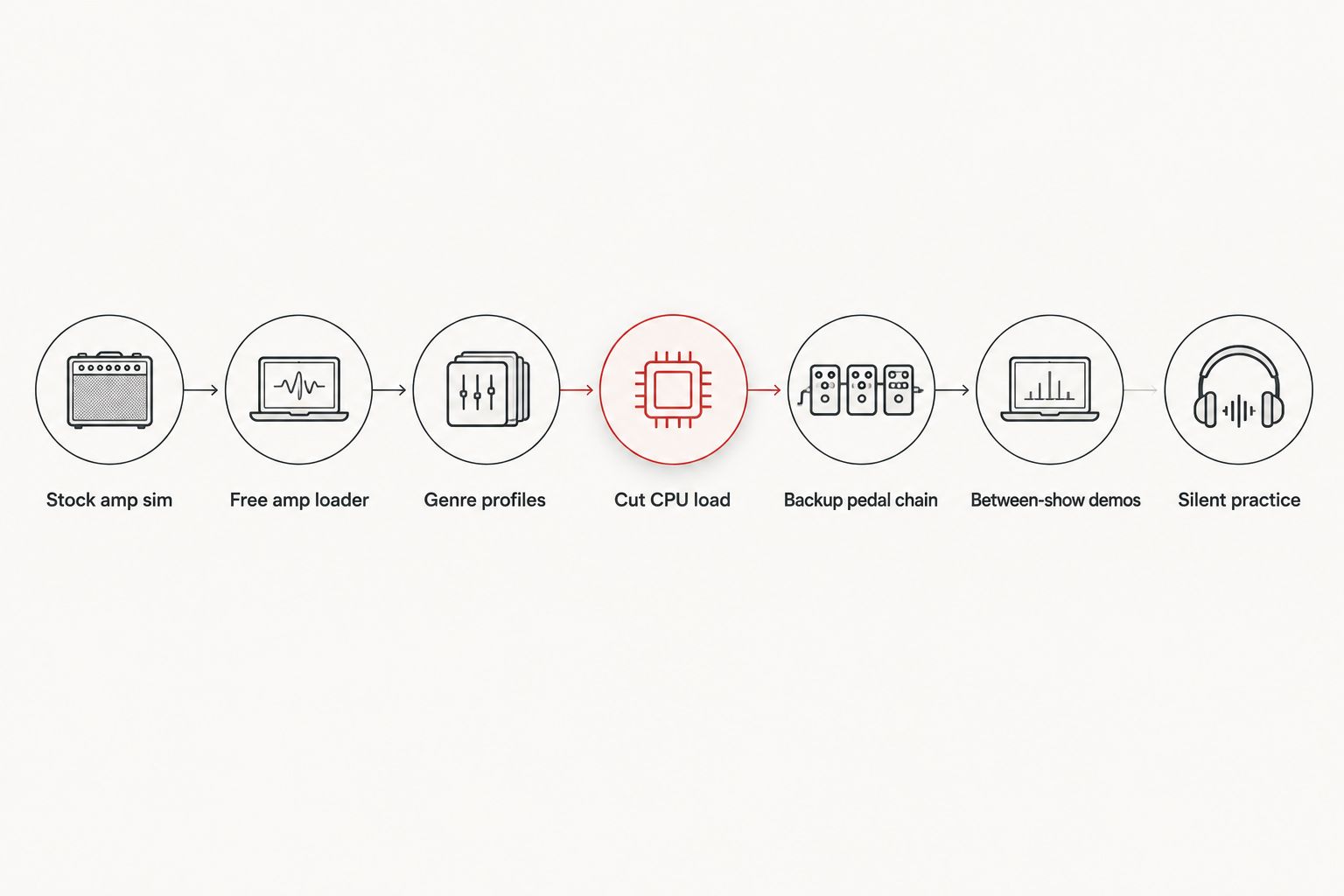
Test your interface's stock amp sim before buying anything
Most audio interfaces already ship with a bundled amp sim or at least a basic cab IR loader. Before spending on a single plugin, find out whether your current rig gets you close to a usable touring tone.
- Check your interface's control panel software for a built-in amp or cab section
- Test direct monitoring at zero added latency through your interface
- Try any free cab IR bundled with your DAW
- Record a 30-second riff and compare it against a phone recording of your live rig
- Note exactly where the stock tone falls short, usually gain stage and low-end tightness
Load a free amp loader before committing to paid profiles
A NAM (Neural Amp Modeler) profile only works once it's loaded into your DAW through a loader plugin. RITUAL 2 AMP LOADER runs free as a VST3, AU and AAX plugin on Mac and PC, plus a standalone app, so there's no cost barrier to testing whether NAM-based tone fits a touring workflow.
- Load a factory or free NAM capture first to confirm your CPU handles it
- Set input trim so the profile isn't clipping before the amp stage
- A/B the loaded profile against the stock amp sim from step one
- Save a DAW template with the loader already inserted on your guitar track
- Test standalone mode for silent practice without opening a full session
Match your live gain stage with genre-specific NAM profiles
Once the free loader is working, the tone comes entirely from the profile itself. Generic factory captures rarely nail a specific genre's gain structure, which is why genre-built packs exist.
- Pick a profile pack built around your actual amp family: 5150-style, Rectifier-style, or Uberschall-style
- High-gain metal packs target amps like the Dual Rectifier, Diezel VH4 and ENGL Powerball for a wall-of-gain rhythm tone
- Punk and emo packs cover mid-gain amps for bands that don't run a wall of distortion
- Load two or three profiles per song for verse and chorus gain switching without a pedal
- Keep one backup profile per amp in case the primary file gets corrupted on a shared drive


Cut CPU load before you leave for tour
A laptop that ran fine in the studio can choke on tour once you add profile switching, an IR loader and a DI recorder to the same session. Confirm headroom before day one of the run, not during a hotel soundcheck.
- Set your buffer to 128 samples at 48kHz for live monitoring, and test up to 256 samples if you hear crackling
- Freeze or bounce any track you're not actively editing on the road
- Close background apps eating RAM before opening your session
- Run one high-gain NAM profile at a time instead of stacking two amp sims
- Watch CPU meter readings during a full-song playthrough, not just an idle open project
For a full breakdown of which plugins load lightest on older machines, see amp sim plugins ranked by CPU usage.
Build a backup pedal and amp sim chain
NAM profiles nail one specific amp's tone, but they don't give you an adjustable gain knob if a venue's PA needs a different EQ curve on the fly. A flexible amp sim plugin fills that gap.
- Keep an adjustable amp sim like Grimstager loaded as a backup channel
- Map a MIDI controller or footswitch to bypass the backup chain instantly
- Save two presets per song: the exact touring tone and a louder fallback
- Test the backup chain through the same interface you'll use at front of house
- Label presets by song title, not amp name, so a fill-in guitarist can find them fast
Track between-show demos with MIDI drum tracks
Off days on tour are where new material actually gets written, and most touring bands don't have a drummer available to jam ideas in a hotel room.
- Drop a groove from a genre-matched MIDI drum pack under a riff idea in a few minutes
- Use Drum MIDI Mapper to route MIDI drum tracks to whatever virtual drum instrument is already loaded in your session
- Keep tempo consistent with your live set so ideas transfer straight into the show
- Bounce a rough mix daily so ideas aren't lost if a laptop gets left on a bus
- Tag demo files by city and date, not just song title, for faster sorting after the tour
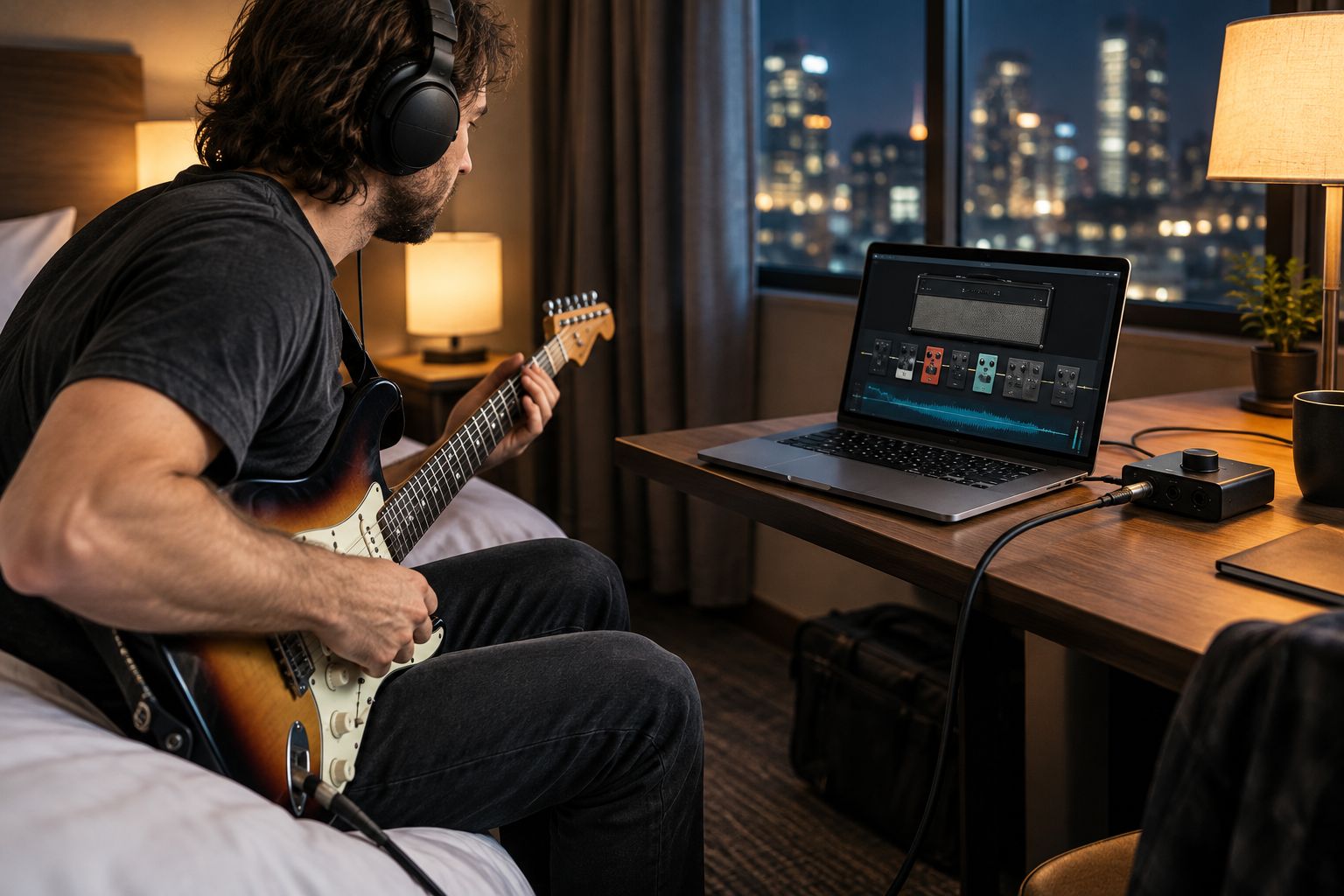
Route the rig for silent hotel-room practice
Amp sims exist for exactly this: full-volume tone at headphone level, with zero risk of a noise complaint or an angry neighbor through a shared wall.
- Run output through closed-back headphones, not open-back, to avoid disturbing a shared room
- Pad your interface's input gain down before plugging in a hot pickup
- Use the same NAM profile you'll play live so muscle memory transfers to the stage
- Practice at the actual buffer size you'll use for the show, not a lower-latency setting only available at home
- Keep a spare set of headphones in the gig bag; one blown cable shouldn't end a practice session
Amp sim options for touring musicians compared
| Option | Best for | Learning curve | Key limitation |
|---|---|---|---|
| Stock interface amp sim | Bands testing the workflow before buying anything | Low | Thin, generic tone under high gain |
| Free amp loader plus NAM profiles | Touring metal, hardcore and punk acts who need one exact tone every night | Low | Locked to whatever amp the profile was captured from |
| Adjustable amp sim plugins (Grimstager, Tyrant, Catamp) | Guitarists who need a live-adjustable backup chain | Medium | Higher CPU draw when stacked with a NAM loader |
| Hardware modelers (Kemper, Line 6 Helix) | Bands who already tour with a modeler in the rack | Medium | Extra unit to check as luggage or freight |
A NAM-based rig running on a laptop, built around genre-matched profiles from Oracle Sound and loaded through a free tool like RITUAL 2 AMP LOADER, is the most practical guitar amp simulator for touring musicians in 2026 who need identical tone every night without an extra flight case.
Common mistakes touring musicians make with amp sims
- Trusting the venue's backline to match the studio tone. A rented head with different tubes and a different cab changes the gain stage completely; a NAM profile removes that variable entirely.
- Never stress-testing the laptop at full buffer load before departure. The first time a rig chokes shouldn't be during a sold-out show.
- Carrying one NAM profile per amp instead of a backup. A corrupted file on a shared drive turns a smooth set into a scramble ten minutes before doors.
- Skipping headphone-safe gain calibration for hotel practice. Blown ears from an uncalibrated input or a noise complaint from the next room both end a tour early.
- Not syncing plugin presets and profiles to cloud storage. A dead laptop mid-tour shouldn't mean rebuilding the rig from zero.
“If your NAM profile doesn't match your live rig, you're not touring your tone, you're touring a guess.”
FAQ
What's the best guitar amp simulator for touring musicians in 2026?
A guitar amp simulator built around NAM profiles, loaded through a free tool like RITUAL 2 AMP LOADER, is the best route for touring musicians in 2026 because it reproduces your amp's real signature without carrying a cabinet. Pair it with genre-specific profile packs matched to your live gain stage for consistent tone from soundcheck to soundcheck.
Is a NAM profile as accurate as a real amp on tour?
A NAM profile captures the actual response of a specific amp and cab, so it reproduces that exact rig's tone rather than an approximation. It won't react to a pickup swap the way a real amp does, but for a fixed touring signal chain most front-of-house engineers can't tell the difference in a mix.
Can touring musicians use a guitar amp simulator without carrying any amp at all?
Yes, a laptop, an audio interface and a loaded NAM profile replace the amp entirely for direct-to-desk or in-ear rigs. Bands running silent stages already track this way for both live in-ears and hotel-room writing sessions.
How much does a guitar amp simulator setup cost for touring musicians?
Setup cost ranges from free, using a stock amp loader and factory profiles, up to a small library of paid NAM profile packs for different genres and gain stages. Check current pricing on the Oracle Sound store before budgeting a tour rig, since pack pricing changes.
What's the difference between NAM profiles and amp sim plugins?
A NAM profile is a captured snapshot of one specific amp and cab's behavior, while an amp sim plugin like Grimstager models the circuit and lets you adjust gain, EQ and cab type in real time. Touring musicians often run both: a NAM profile for their exact studio tone and a flexible amp sim as a backup.
Do amp simulators run well on older tour laptops?
Most modern NAM-based amp sims run comfortably at a 128-sample buffer on a five-year-old laptop, though loading multiple high-gain profiles in parallel raises CPU load fast. Freezing tracks and closing background apps before a show keeps latency under control on lower-spec machines.
What buffer size should touring musicians use for live tracking or in-ear monitoring?
64 to 128 samples at 48kHz keeps round-trip latency low enough for real-time monitoring without noticeable delay. Going above 256 samples introduces a lag most guitarists feel immediately when picking a note.
Are Oracle Sound's NAM profiles built for a specific genre?
Yes, packs like Tonal Brutality and Tonectomy are built around high-gain metal amps, while All The Small Tones is tuned for punk and emo mid-gain tones. Picking a pack that matches your live genre matters more than picking the most expensive one.
One last thing
Print your exact signal chain, loader, profile name, buffer size, backup preset, on a single page and staple it inside your pedalboard case. A fill-in guitarist, a soundcheck under time pressure, or your own memory three months into a 2026 tour won't remember which profile matched the chorus tone; a written signal chain does.